July 28th, 2025
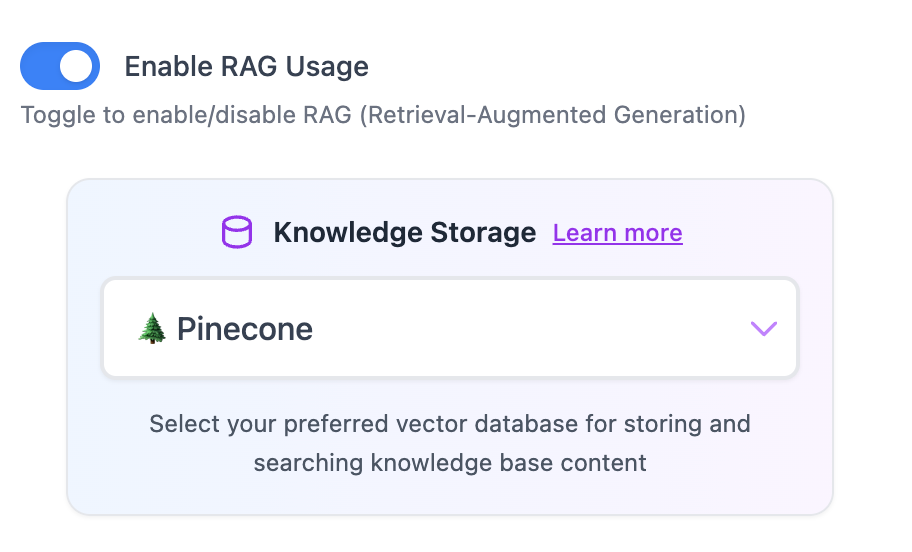
RAG Usage is Now Optional 🚀
We’ve added more flexibility to how your knowledge base files are handled! You can now choose to enable or disable RAG (Retrieval-Augmented Generation) for each app you create.
🔀 What’s New:
RAG Toggle in App Settings: Easily switch RAG on or off in your app’s knowledge storage settings.
RAG Enabled (Default): Upload up to 100 files stored in a vector database for semantic search and retrieval.
RAG Disabled: Upload 1 file that is passed directly as context to the model — ideal for single-file, high-precision use cases.
💡 Why It Matters:
Improves performance and reliability for apps using a single knowledge file.
Gives you more control over how content is processed and retrieved.
To use this feature, head to your dashboard, click the edit icon on an app, or create a new one — you’ll find the “Enable RAG Usage” toggle under Knowledge Storage.